A cnc router for intricate cabinet joinery needs high-resolution motion control, a rigid frame, and a spindle that handles fine tooling. Evaluate linear guides, bed flatness, and cnc software capabilities to ensure the machine cuts precise dovetails, finger joints, and curved panels.
- Prioritize linear rail systems and ball screws over belt-driven motion for fine joinery.
- Match spindle RPM to bit diameter to prevent burnout and maintain clean edges.
- Verify software compatibility before purchasing to avoid post-processor delays.
- Check bed flatness and frame rigidity to ensure repeatable cut accuracy.
- Factor in import costs and compliance requirements when sourcing machines internationally.
How to Match Spindle Power to Joinery Complexity
Intricate cabinet joinery demands more than raw speed. A finger joint at 2 mm wide requires a different cutting load than a 30 mm dovetail. The spindle must sustain torque at low RPMs to push a small bit through hardwood. Many buyers focus on maximum RPM, but a 24,000 RPM spindle that loses power at 8,000 RPM will struggle with fine features.
Check the spindle power curve at the RPMs you will actually use. For a 6 mm bit in oak, expect steady torque near 10,000 to 15,000 RPM. A 3 mm bit may need 18,000 RPM or higher to maintain chip clearance. Direct-drive spindles often deliver higher torque at lower speeds than belt-driven units. They also reduce vibration, which is critical when the cutter is only a few millimeters from the workpiece edge.
Consider the tool holder too. A 1/2 inch collet system accepts more bit lengths, but smaller collets like 1/4 inch or 1/8 inch improve runout tolerance for tiny joinery bits. If you plan to cut 1 mm tenons, runout matters more than horsepower.
What Motion System Handles Fine Tolerances
The motion system determines whether a 0.5 mm cut stays at 0.5 mm. Linear rails and ball screws provide higher precision than belt-driven systems. Belt systems stretch under load. Even a small amount of give in the X or Z axis will turn a square corner into a slightly angled one.
For cabinet joinery, the Y-axis often carries the heaviest cutting load. A router cutting a long panel edge experiences lateral force that pushes the gantry. Linear rails handle this without deflection. Ball screws provide consistent pitch, so the machine moves exactly the distance the software commands.
Check the frame material. Aluminum frames are lighter and cheaper, but they can flex under sustained cutting load. Steel frames are stiffer. The trade-off is weight and cost. A rigid frame keeps the spindle aligned as the machine moves across the bed. This matters when cutting multiple panels that must fit together without shims.
How Bed Flatness Affects Panel Fit
A flat bed is the foundation for accurate cuts. If the bed is not flat, the tool height varies across the workpiece. A panel cut on a warped bed will not sit flat against the one cut next to it. For cabinet joinery, even a small gap at the top or bottom of a joint is visible.
Measure the bed with a straightedge or a precision dial indicator. Most industrial beds should hold within a few thousandths of an inch over their working area. If the bed is not flat, it can be re-machined, but that adds cost and downtime. A well-maintained bed also ensures consistent tool engagement. When the bit contacts the wood at the same height everywhere, the cut depth remains uniform.
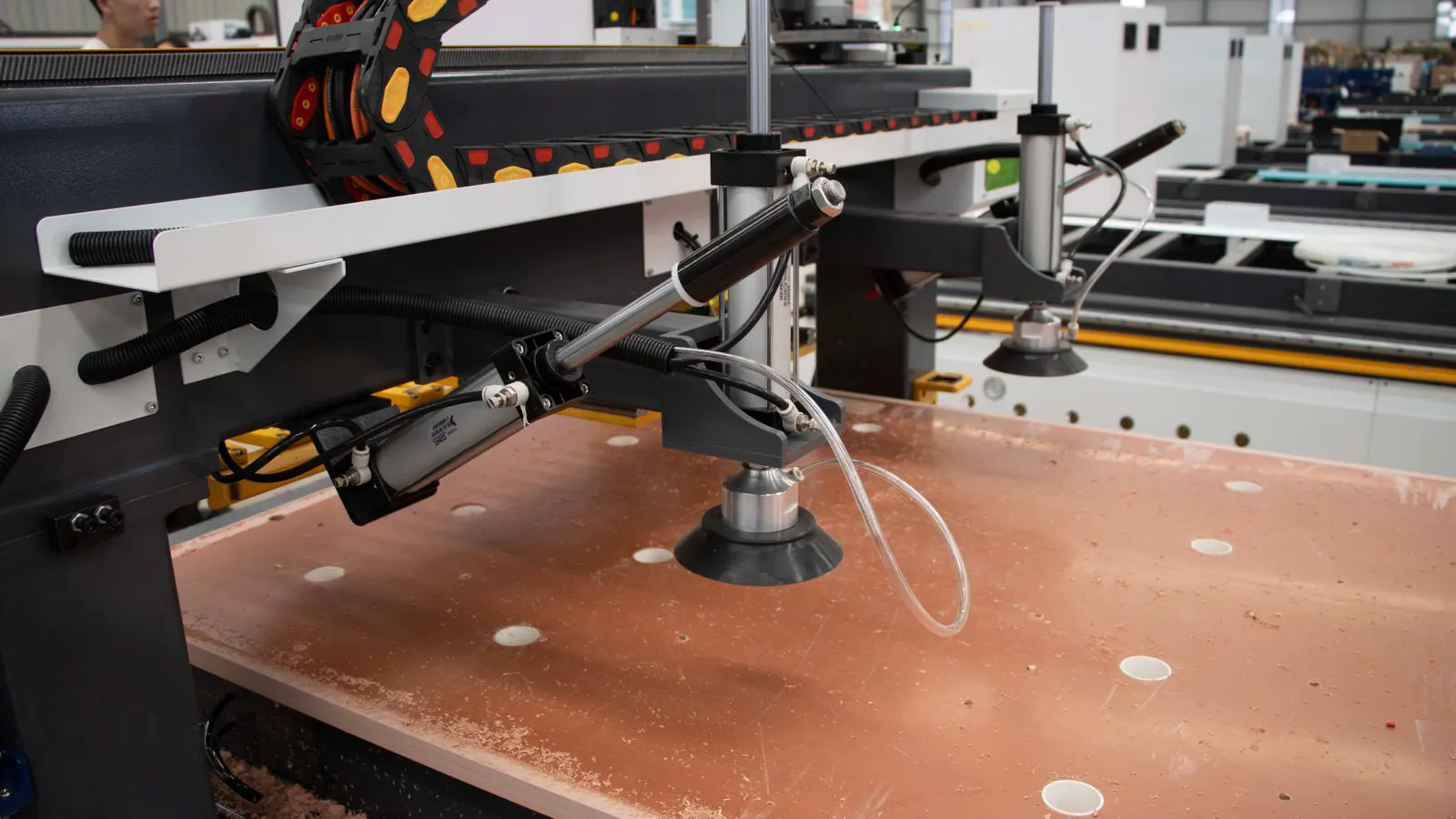
Check the vacuum system too. Wood chips and fine dust can build up under the workpiece. This creates an uneven surface and causes the bit to skip. A strong vacuum with a collection system that handles fine dust is necessary. Without it, the machine will cut a clean top surface and leave a rough underside.
How to Evaluate CNC Software Compatibility
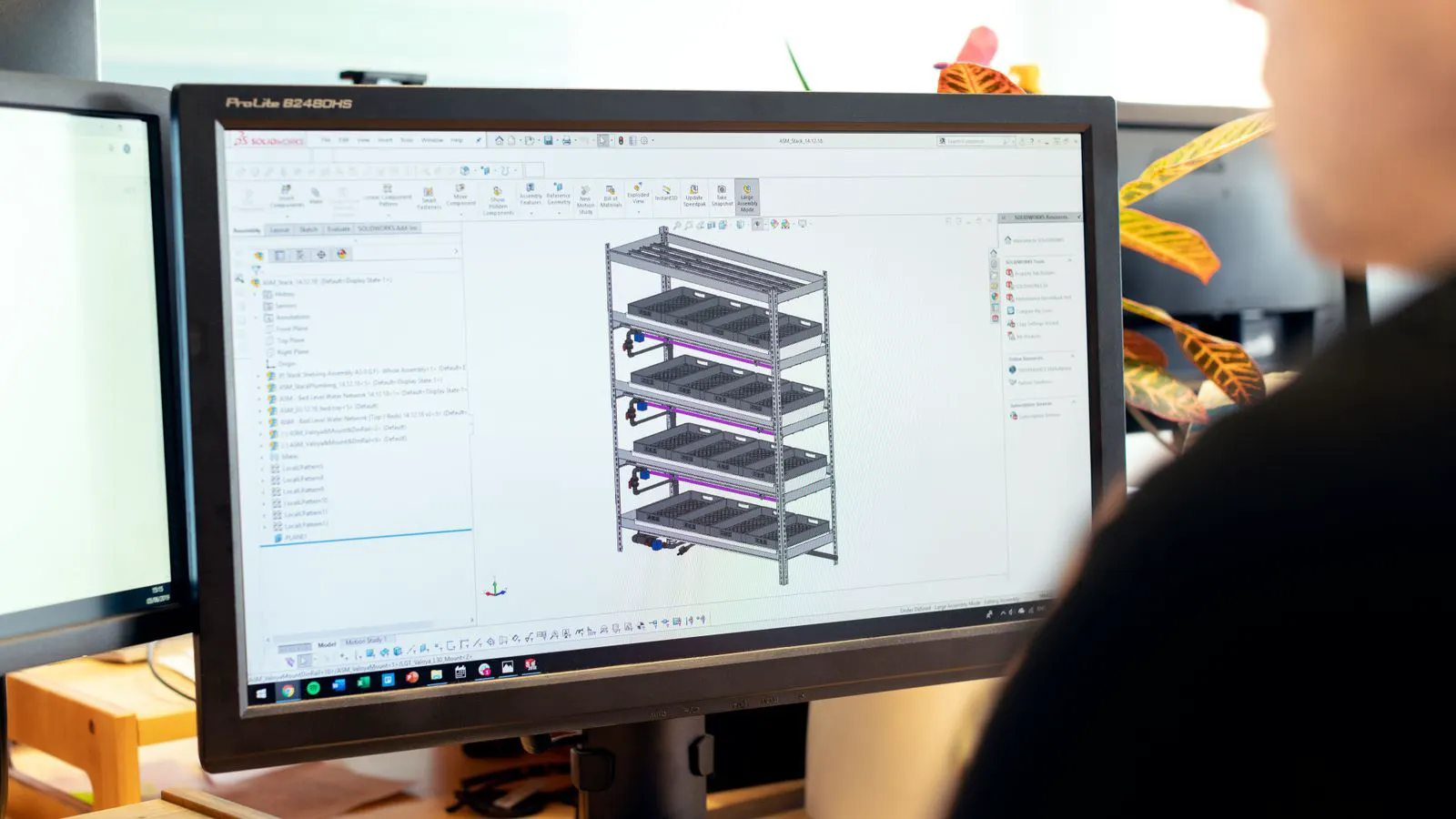
Software drives the machine, but it also drives the workflow. A cnc router is only as useful as the cnc software that converts your 3D model into G-code. Some machines come with bundled software that is limited to basic 2D cuts. Others support advanced 3D sculpting, toolpath simulation, and adaptive clearing.
For intricate joinery, you need software that can handle complex toolpaths without crashing. Dovetails and finger joints require precise overlapping toolpaths. The software must calculate the correct tool diameter for each cut and compensate for the bit size. If the post processor is not available for your machine, you may need to buy third-party software or hire a programmer. This delays production and adds cost.
Check the machine interface. A touchscreen with a jog wheel is useful for setup, but it does not replace a desktop computer for complex jobs. You will likely run the CAM software on a PC and transfer the file to the machine. Look for a machine that supports USB, network, or Ethernet file transfer. This saves time when moving between CAD and CAM.
Also evaluate the post processor library. A good cnc router has a post processor for most common controllers. If your machine uses a proprietary controller, the post processor may be harder to find. Ask the vendor for a sample G-code file for a dovetail joint. Run it through a simulator before buying. If the toolpath looks wrong, the machine will cut the wrong joint.
How to Judge Frame Rigidity and Cutting Accuracy
Frame rigidity is not just about weight. It is about how the structure resists deflection. When the router cuts into the wood, the force pushes the spindle, the head, and the frame. If the frame bends, the tool position shifts. This causes the cut to be slightly off.
Look for a welded steel frame with internal bracing. Aluminum frames can be rigid if they are thick and well-braced, but they are more flexible. A simple test is to place a heavy load on the gantry and push it side to side. If you see movement, the frame may not hold precision under load.
Also check the lead screws. They should be supported at both ends. If a lead screw is cantilevered, it can bow under cutting force. This causes the axis to move more than it should. The machine will still cut, but the dimensions will drift. For cabinet joinery, this drift is unacceptable.
How Import Costs and Compliance Affect the Purchase
Buying a cnc router from abroad can reduce the purchase price, but it adds costs that are easy to miss. Shipping a machine is expensive. The frame and spindle must be packed securely to survive ocean transport. Insurance and handling fees add to the invoice.
Compliance is the other factor. Electrical standards vary by country. A machine with a 220V three-phase connection may not work on a single-phase 120V shop circuit. You may need a transformer or a new power supply. This costs money and takes time.
Customs duties and taxes depend on the machine classification. A woodworking cnc router may fall under different tariff codes in different countries. The duty rate can range from low to high. Ask the vendor for the HS code and the estimated landed cost. Do not assume the sticker price is the final number.
Also check the warranty terms. Some vendors offer local support. Others require you to send the machine back for repair. If the machine fails after installation, downtime is expensive. A local service partner is worth the premium.
How to Verify the Machine Before You Buy
Do not buy on a brochure. Visit the machine or ask for a live demonstration. Run a sample job that matches your production. Cut a set of dovetails in the same wood you will use. Measure the fit. Check the surface finish. Listen to the spindle under load.
Check the documentation. The user manual should cover setup, calibration, and maintenance. The G-code manual should explain tool orientation and work coordinate systems. If the documentation is vague, the support will be vague.
Ask for the machine’s service history. If it is a used unit, request a third-party inspection. Check the linear guides for wear. Inspect the ball screws for damage. Test the limit switches and emergency stops. A machine that needs a new way bearing or a replaced control board is not a bargain. It is a repair project.
Finally, review the vendor’s reputation. Talk to other buyers who use the machine for joinery. Ask about uptime and support response times. A reliable vendor will give you names and references. A hesitant vendor will give you vague promises.
Decision Checklist
Before you sign the purchase order, run through this list.
- Does the spindle hold torque at the RPMs required for your smallest bit?
- Does the motion system use linear rails and ball screws for precision?
- Is the bed flat and the frame rigid enough for long cuts?
- Do you have a compatible cnc software post processor for your machine?
- Have you calculated the total landed cost, including shipping, duty, and installation?
- Can you run a sample joinery job and measure the fit before paying?
- Is there local support for repairs and maintenance?
- Have you checked the vacuum system and dust collection capacity?
- Does the machine interface support your workflow from CAD to CAM?
- Have you inspected the service history if buying used?
If you can check all of these, the machine is ready for production. If you cannot check any of them, the purchase carries risk. Address the gaps before you commit.
Frequently asked questions
What spindle RPM is best for small joinery bits?
Small bits like 3 mm or 6 mm often work best at higher RPMs, typically 15,000 to 24,000 RPM. The exact speed depends on the wood species and bit geometry.
Can a belt-driven cnc router handle cabinet joinery?
It can, but it will show more error on fine features than a linear rail system. For production joinery, linear guides and ball screws are the safer choice.
How flat must the bed be for accurate cuts?
The bed should be flat within a few thousandths of an inch over the working area. Any significant variation will cause height differences in the cut.
Do I need 3D software for cabinet joinery?
No. Most cabinet joinery is 2.5D or 2D. You need software that handles precise toolpaths and tool compensation, not necessarily full 3D sculpting.
Is a used cnc router worth buying?
Yes, if it is well maintained and comes with a local support option. Inspect the linear guides, ball screws, and control board before buying.