CNC software compatibility depends on controller interfaces, motion card support, and signal protocols. Check the machine manual for supported communication methods, such as parallel ports or Ethernet. Test file formats and post-processors before purchase to ensure smooth workflow.
- Compatibility depends on the controller card, not just the machine brand.
- Verify signal types like parallel, serial, or Ethernet before software selection.
- CAM post-processors must match the controller's G-code dialect.
- Controller software handles machine motion, while CAM software handles design.
- Test file output on a scrap piece before committing to production.
What controls motion on a CNC router
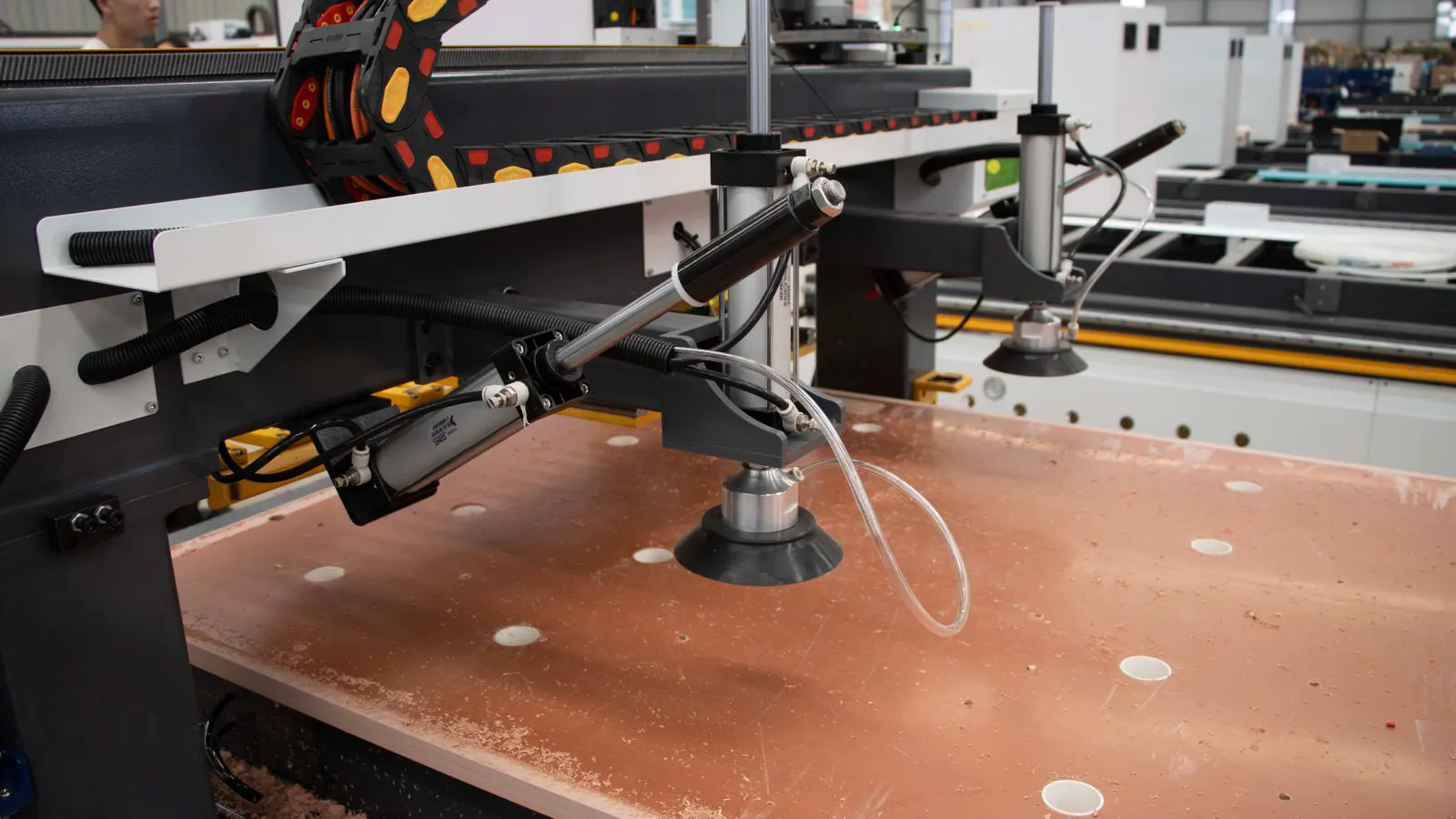
The heart of any CNC router is the controller. It takes a file with instructions and tells the motors to move. The controller card sits inside the machine and talks to the spindle, steppers, and limit switches. It does not care about the shape of the part. It only cares about X, Y, Z positions and spindle speed.
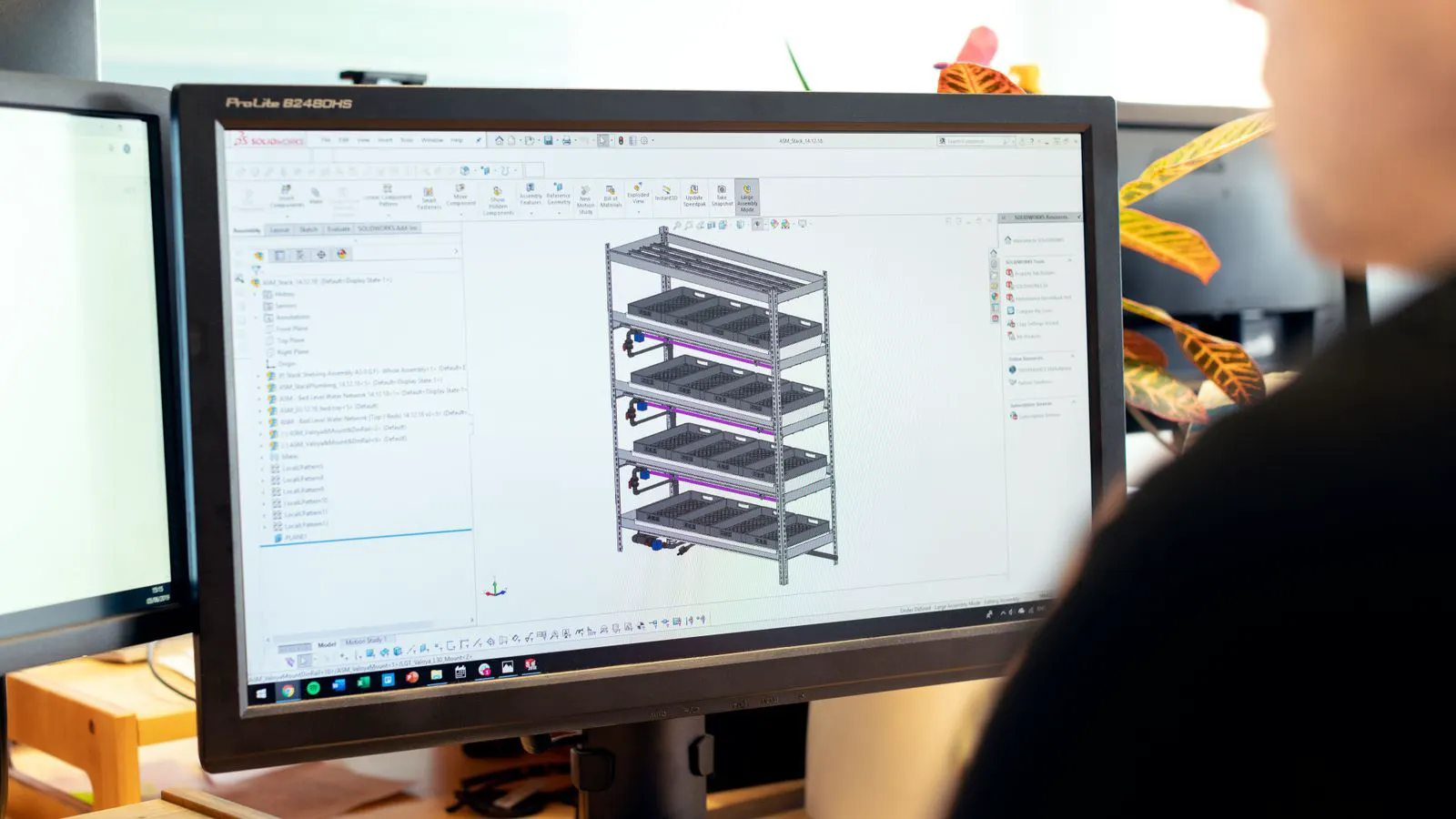
CAM software designs the part. It reads a CAD file or a sketch and creates toolpaths. Then it exports a file, usually a G-code file, that the controller can read. These two jobs are separate. The CAM program creates the map. The controller follows the map.
Many buyers confuse the two. They buy a machine and assume it comes with software. Sometimes it does. Often it does not. The machine hardware is the chassis. The software is the brain. If the brain does not fit the chassis, nothing moves.
Check the controller model first. It is usually printed on the card or listed in the machine manual. Some machines use open-source controllers. Some use proprietary boards from specific vendors. Each has its own set of rules for communication and file format.
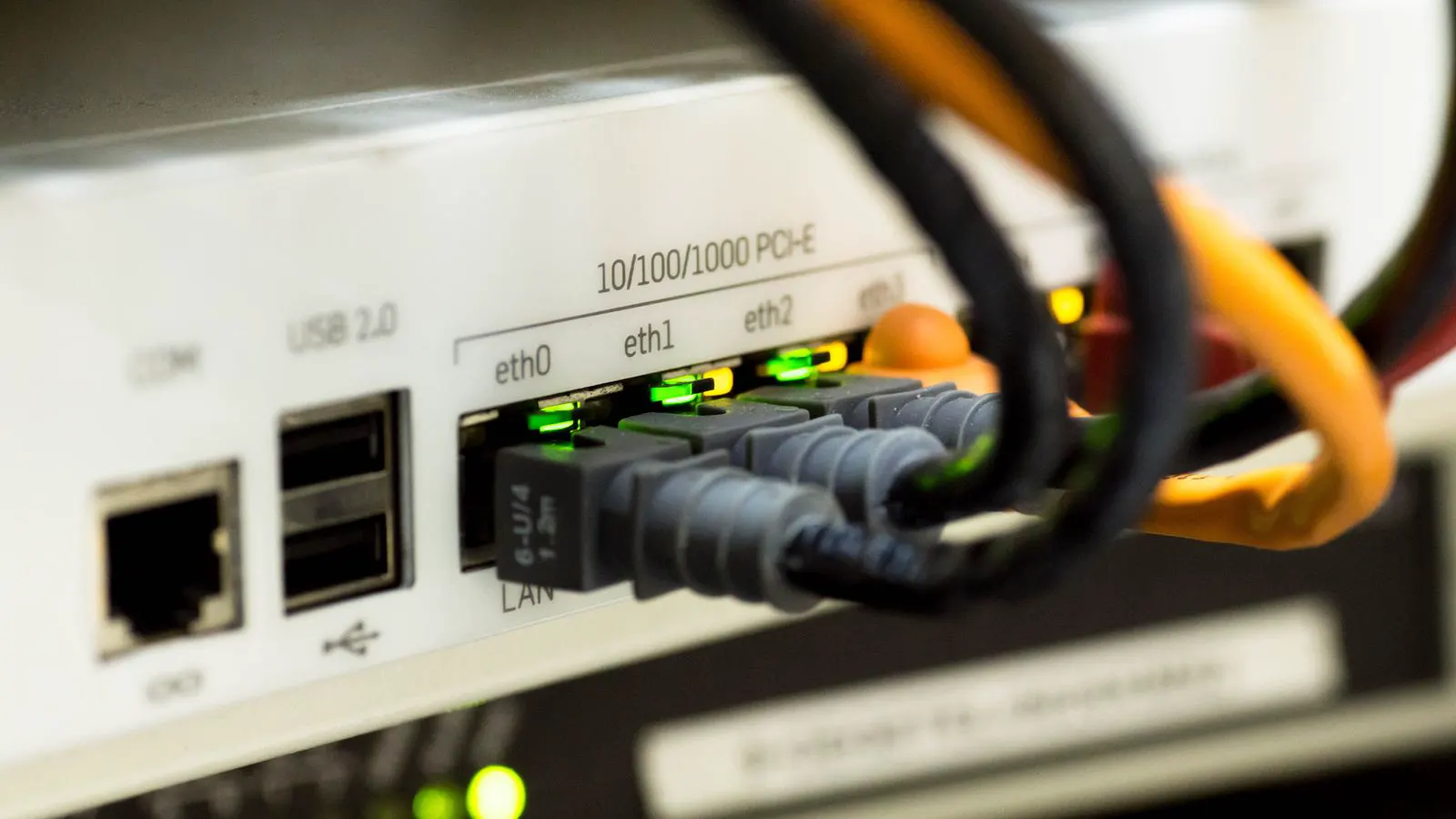
The machine manual lists supported communication methods. Look for parallel port, serial port, USB, or Ethernet. These are the physical ways the software talks to the machine. If your software only sends data over Ethernet, but the controller only has a parallel port, you need an adapter. Those adapters can add latency. They can also cause errors.
How signal types affect your choice
The signal type determines which software will work. It also affects how reliable the connection is. Parallel ports were common on older machines. They use a wide cable with many wires. They are fast for the distance, but they have a range limit. Usually a few meters. Longer cables cause signal loss.
Serial ports use two wires. One for data in, one for data out. They are slower than parallel. But they are stable. They work well over longer distances. Many small routers still use serial. The software must be set to the right baud rate. If the rate is wrong, the machine will move erratically or not at all.
Ethernet is the standard for newer machines. It uses a standard network cable. It is reliable and fast. It supports remote control. You can run the machine from a laptop in another room. You can even control it from a phone, if the software supports it. But Ethernet is not automatic. The controller needs a network card or an Ethernet-to-serial converter.
USB is less common for direct control. Some controllers have USB ports for file transfer or diagnostics. They are not always suitable for real-time motion. The timing between commands can be too loose. If the machine needs high precision, USB may introduce jitter. Stick to Ethernet or parallel for production work.
CAM software and post-processors
CAM software is where the design becomes motion. Popular platforms range from free open-source options to paid commercial suites. The software itself is not the problem. The problem is the post-processor. A post-processor is a small program inside the CAM package that translates toolpaths into machine-specific G-code.
If you buy a machine from Vendor A, the CAM package may not have a post-processor for that specific controller. You may need to buy one separately. Or you may need to write one. Writing one is a task for an engineer with C++ or Python skills. Most buyers do not want to do that.
Check the file format. Some controllers want G-code with specific headers. Some want the tool numbers in a certain order. Some want the spindle speed in RPM, others in percent. A post-processor that is close but not exact will cause errors. The machine may move correctly, but the spindle may start at the wrong speed. Or the tool change may be missed.
The work example: A shop buys a small router with a parallel port controller. They use a CAM package that has a generic post-processor. They export a file and load it. The machine moves. But the spindle does not start until the tool touches the wood. The operator has to start it manually. The post-processor was missing the S command for spindle speed. They fix it by editing the post-processor file. Now the spindle starts correctly. This is a common fix, but it requires knowing where to look.
Controller software vs CAM software
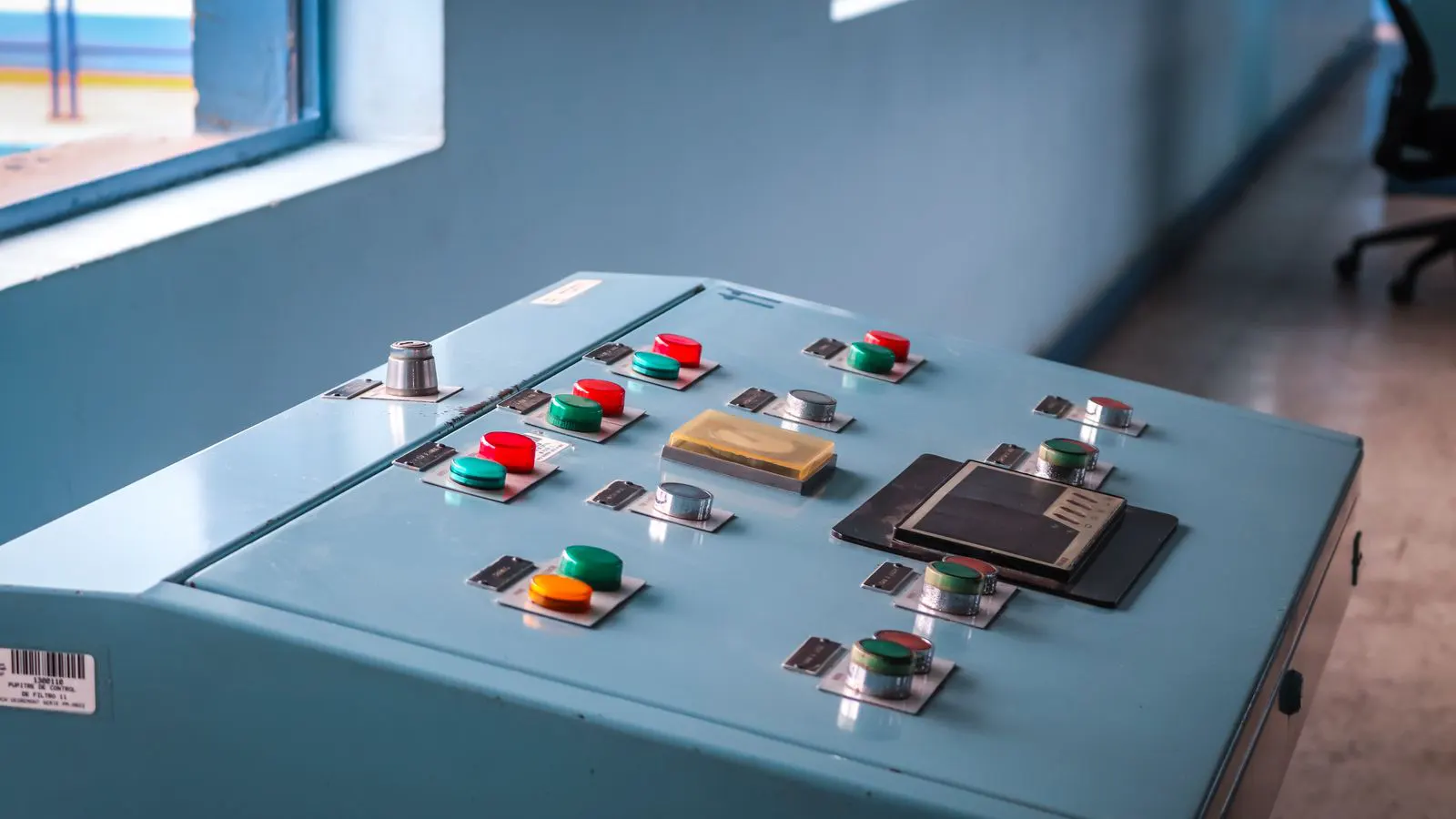
Controller software is the operating system for the machine. It handles the interface. It shows the coordinates. It lets the operator jog the axes. It reads limit switches. It manages safety. Some controllers have a simple LCD screen. Others have a touchscreen with a full menu.
The controller software does not create toolpaths. It only executes them. You cannot draw a part in the controller. You must import a file. The controller software is responsible for real-time feedback. If the motor stalls, the controller stops the machine. If a limit switch is hit, the controller stops the machine.
The quality of the controller software affects usability. A good interface lets you set offsets quickly. It lets you change the feed rate on the fly. It lets you see the current position. A bad interface is slow. It lags. It is confusing.
Some machines come with a basic controller software. It is enough to run a file. But it may lack features. You may not be able to scale the toolpath. You may not be able to change the Z offset without re-importing the file. You may have to buy an upgrade.
Checking compatibility before purchase
Do not guess. Verify. Ask the seller for the controller model number. Look it up. Find the manual. Read the communication section. Note the supported ports and file formats.
Then check your CAM software. Does it have a post-processor for that controller? If not, can you buy one? If not, can you create one? This is the biggest risk. If you cannot get the file to work, the machine is useless.
Ask for a sample file. Run it on a scrap piece of wood. Watch the machine. Listen to the motors. Check the spindle. Check the Z depth. If the machine moves in a straight line, good. If it moves in a circle, there is a wiring issue. If it stops randomly, there is a signal issue.
The machine manual is your best friend. It lists the pinout for the parallel port. It lists the baud rate for serial. It lists the IP address for Ethernet. It lists the supported G-code commands. If the manual is missing, the machine is a problem.
Common mistakes and how to avoid them
The first mistake is buying software first. You buy a CAM package, then you buy a machine. The machine does not match the software. You have to re-buy.
The second mistake is ignoring the controller card. You look at the machine brand and assume the software will work. It will not. The controller card is the key. It determines the interface. It determines the speed. It determines the reliability.
The third mistake is skipping the post-processor test. You export a file, load it, and run it. The machine moves, but the part is wrong. The toolpath is off. The spindle is off. You waste wood. You waste time.
The fourth mistake is assuming USB is enough. USB is convenient. But it is not reliable for real-time control. If the machine is for production, use Ethernet or parallel.
The fifth mistake is not reading the manual. The manual has the answers. It has the pinout. It has the settings. It has the warnings. Read it before you buy.
Final checks
Before you sign the order, make a checklist. Controller model. Communication port. File format. Post-processor availability. Manual availability. Support contact.
If you are buying a used machine, ask for the controller card photo. Take a picture of the port. Bring it to the seller. Confirm the software.
If you are buying new, ask the vendor for the software license. Ask if it is included or extra. Ask for the post-processor. Ask for the manual. Ask for the pinout.
The machine is the body. The controller is the nervous system. The software is the brain. If they do not fit together, the machine will not work. Check the fit before you pay.
Frequently asked questions
Can I use any CAM software with any CNC router?
No. The CAM software must output a file format that the router controller understands. Check the controller model and supported file types before choosing CAM.
What is a post-processor?
A post-processor is a translator inside CAM software. It converts toolpaths into machine-specific G-code. If the post-processor is missing or wrong, the machine will not move correctly.
Is Ethernet always better than parallel?
Ethernet is more reliable and supports longer distances. Parallel is faster for short distances. The best choice depends on your machine and your workspace.
Do I need a separate controller software?
Some controllers come with basic software. Others require a separate package. Check the machine manual to see what is included and what is extra.
How do I test if the software works?
Export a simple file, such as a square or a circle. Load it into the machine. Run it on a scrap piece. Watch the motion and listen to the spindle.