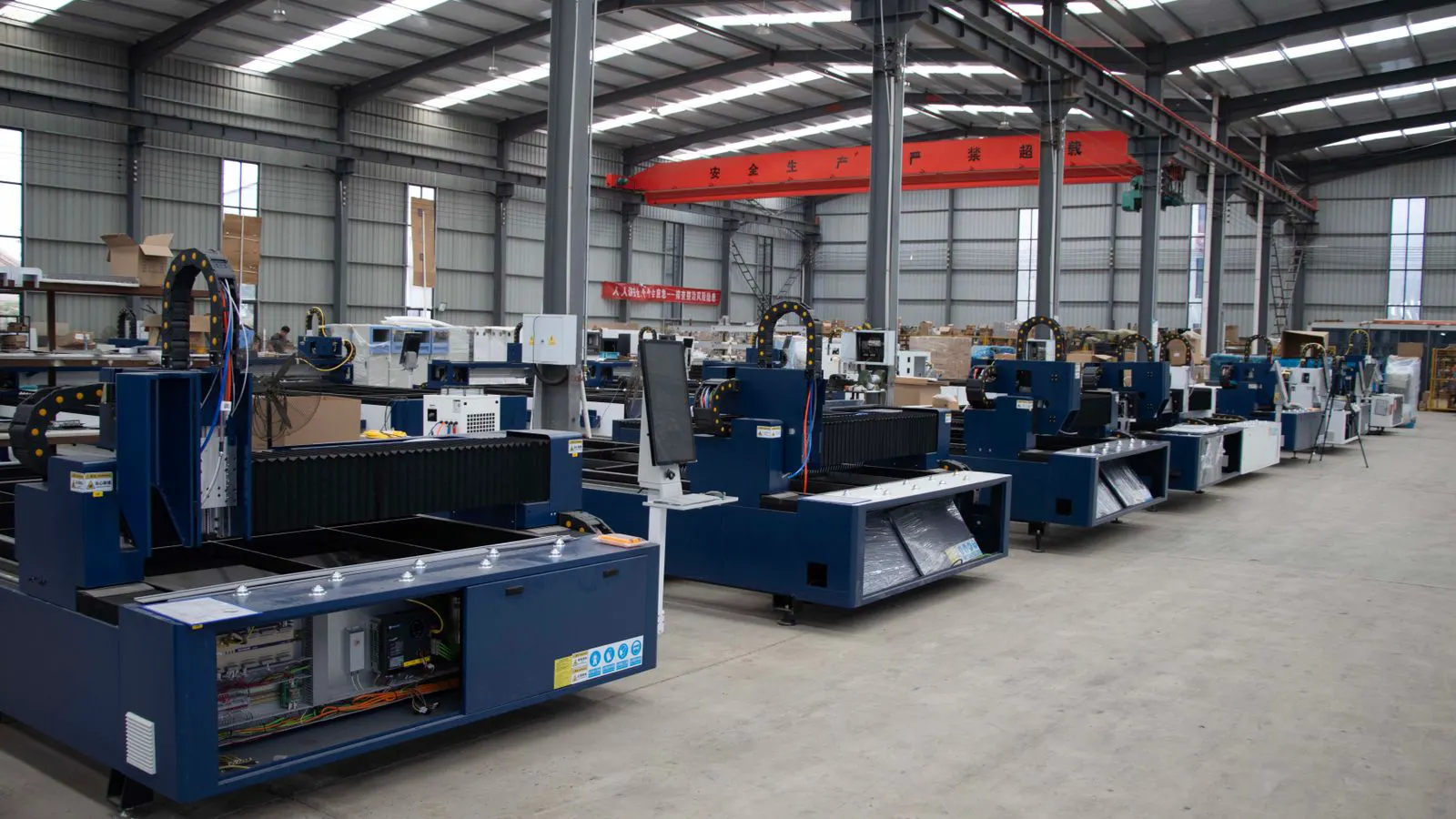
Use this cnc router buyer's guide to evaluate high capacity machines. Check frame rigidity, spindle power, controller stability, and safety systems. A structured checklist helps importers match machine specs to their production goals.
- Match frame rigidity and spindle power to the material thickness and cut depth required by the production line.
- Prioritize controller stability and software support to reduce downtime during long runs.
- Verify safety systems, including interlocks and emergency stops, before signing the purchase order.
- Ask suppliers for test cuts on your specific materials to confirm performance and repeatability.
- Review maintenance access and service response times to protect production schedules.
Define the production profile before touching specs
Start by documenting the actual work the machine will perform. List the main materials, such as melamine panels, plywood, or solid hardwood. Note the typical sheet size, the maximum thickness, and the average depth of cut. Include the number of parts per day and the shift pattern. A machine that handles 1000 flat parts per shift will need a different setup than one that cuts 50 complex furniture components.
Write this profile down. It becomes the baseline for every later question. If the importer does not know the daily volume, the selection process stalls. If the material list changes frequently, the machine must handle a broader range of feed rates and tooling.
Evaluate the frame and structure
Rigidity determines finish quality and repeatability. Look for a welded or cast frame with sufficient mass to absorb cutting forces. Check the cross-bracing and the mounting points for the linear guides. A heavier frame reduces vibration at high feed rates, which matters when running long production blocks.
Inspect the linear guides and ball screws. These components wear over time. If the supplier offers a maintenance schedule, review it. Ask how often the guides require lubrication and whether the ball screws are preloaded. Preloaded screws reduce backlash, which keeps the tool path accurate over long runs.
Check the spindle and drive system
The spindle is the workhorse of the router. Match the power to the material and the cut depth. Softwoods and thin veneers need less power than dense hardwoods or thick laminates. Look for spindle options that match the typical tool diameter. A larger spindle allows bigger tools, which can speed up roughing passes.
Check the spindle speed range. High speeds are needed for small tools and fine finishing. Low speeds help with deep roughing cuts. Ask about the spindle cooling system. Air cooling is common. Liquid cooling offers better temperature control for sustained heavy loads.
Review the spindle life and replacement costs. If the supplier sells spares, compare the prices. A cheap machine with expensive spares can cost more over time. Ask for the expected service interval and what happens when the bearings wear.
Review the controller and software
The controller translates the tool path into movement. Look for a stable system that supports the file formats your design team uses. Common formats include G-code, but the interface matters too. A clear screen and a reliable keyboard help operators load jobs quickly.
Check the communication options. Ethernet, USB, and networked control are standard. If the machine will run in a connected factory, make sure it supports the local network. Ask about the software update policy. A controller that gets regular updates will handle new features and bug fixes.
Test the interface. If possible, watch the supplier run a file through the system. Look for lag, errors, or confusing menus. The operator will use the screen all day. A confusing interface slows down production.
Assess safety and guarding
Safety is a non-negotiable part of the purchase. Check the emergency stop buttons. They should be reachable from multiple sides. Look for a light curtain or safety fence around the machine. These systems stop the spindle when a person enters the danger zone.
Review the interlock switches on the doors and panels. When a door opens, the machine should stop. Test this behavior. Ask about the state of the safety switch after a restart. Some machines require a manual reset. Others restart automatically. A manual reset is safer because it forces the operator to check the area before restarting.
Check the dust extraction port. A large port reduces clogging and improves air quality. Ask for the maximum static pressure the system can handle. If the plant uses a central extraction system, confirm the connection size.
Inspect the tooling and changeover system
The router holds tools in a collet or a quick change system. A quick change system saves time during job changes. Look for a collet that fits the tools the plant already uses. If the tools are standard, the machine should accept them without adapters.
Check the tool holder capacity. If the machine holds many tools, the operator can load a full job without leaving the machine. If the machine holds few tools, the operator must swap tools often. This slows down production.
Ask about the tool height setting. A manual or automatic tool height sensor reduces setup time. An automatic sensor reads the tool and sets the zero point. This is faster than measuring with a dial indicator.
Plan for maintenance and support
A machine is only as good as its support. Ask for the response time for service calls. If the machine breaks at 2 AM, who fixes it? Ask for the warranty terms. What is covered? What is excluded?
Review the parts availability. If a linear guide or a spindle motor fails, how long is the wait for a part? Ask for the lead time. A long lead time can stop production for days.
Check the training. The supplier should train the operator and the maintenance staff. Ask for the training materials. A good supplier will provide a manual and a video library.
Compare the options with a criteria table
Use this table to compare shortlisted machines. Fill in the details from the supplier quotes and test reports.
| Criterion | What to look for | Why it matters |
|---|---|---|
| Frame rigidity | Welded or cast frame with cross-bracing | Reduces vibration and keeps cuts accurate |
| Spindle power | Matched to material thickness and cut depth | Prevents overheating and maintains feed rate |
| Controller | Stable system with clear interface | Reduces operator errors and setup time |
| Safety systems | E-stops, light curtain, interlock switches | Prevents injury and protects the machine |
| Tooling | Quick change system with standard collets | Speeds up job changes and reduces downtime |
| Support | Service response time and parts availability | Keeps the machine running when it fails |
Run a test cut before ordering
Ask the supplier to run a test cut on your material. Use the same thickness and the same tooling the plant will use. Watch the cut quality. Check the edges for tearout. Measure the dimensions with a caliper.
Run the test for a short period, such as one hour. Check for heat buildup in the spindle. Listen for unusual noises. Check the controller logs for errors. If the test cut looks good, the machine is likely to perform well in production.
If the test cut fails, ask the supplier to adjust the settings. If the settings are wrong, the machine may still be good. If the machine cannot produce a clean cut, it is not ready.
Review the final decision checklist
Use this checklist to confirm the purchase.
- The production profile is documented and shared with the supplier.
- The frame rigidity matches the material and cut depth.
- The spindle power and speed range cover the typical job.
- The controller supports the file formats and network needs.
- The safety systems are tested and pass the required checks.
- The tooling system fits the existing tools and speeds up changeovers.
- The support plan includes service response time and parts availability.
- A test cut on your material has been completed and approved.
- The warranty terms and exclusion list are clear.
- The operator and maintenance staff have received training.
Make the decision
Pick the machine that meets the production profile and passes the test cut. A machine that looks cheap may cost more in downtime. A machine that looks expensive may save money in finished parts. Use the checklist to remove emotion from the decision. The data should drive the choice.
Once the order is placed, track the delivery. Confirm the installation date. Prepare the floor space and the dust extraction connection. Have the maintenance staff ready to inspect the machine on arrival. A smooth start protects the production schedule.
Frequently asked questions
What is the most important feature in a high capacity cnc router?
Frame rigidity is the most important feature. It keeps the tool path accurate during long runs. Without a rigid frame, the cuts drift and the finish suffers.
How do I know if the spindle is powerful enough?
Match the spindle power to the material thickness and cut depth. If the machine struggles with deep cuts, the spindle is likely too small. Ask for a test cut on your specific material.
Do I need a quick change tool system?
A quick change tool system saves time during job changes. If the plant runs many small jobs, it is worth the cost. If the plant runs long runs with the same tooling, a standard collet may be enough.
What safety features should I check first?
Check the emergency stop buttons, the light curtain, and the door interlocks. These systems stop the machine when a person is in danger. Test each one before signing the purchase order.
How long should the warranty last?
Ask for a warranty of at least one year on the frame and spindle. Check what is excluded. A short warranty may leave the importer exposed to early failures.