High-volume operations demand a production router that maintains accuracy over long shifts. Evaluate spindle power, tool changer capacity, material handling, and software integration. The right machine balances throughput with structural rigidity to minimize downtime.
- Choose a production router with sufficient spindle power and tool changer capacity for your material mix.
- Prioritize structural rigidity to maintain dimensional accuracy during extended shifts.
- Verify software compatibility and automation integration before signing a purchase agreement.
- Plan for material infeed and outfeed to prevent bottlenecks in the production line.
- Budget for preventive maintenance to protect accuracy over the machine's lifespan.
Define Your Production Requirements Before Sizing the Machine
High-volume woodworking requires a CNC router that can handle sustained output without sacrificing dimensional accuracy. Start by listing the materials you cut, the thicknesses involved, and the finish quality expected from each part. A machine that runs perfectly on 18 mm plywood will behave differently when processing 50 mm MDF or dense hardwoods. Plywood is a composite material with a consistent core, while MDF is a homogeneous powder-pressed board that tends to burn at high speeds if the feed rate is too low. Hardwoods like oak or ash resist the cutting tool and generate heat that can swell the grain if the machine lingers too long on a single cut.
Determine the average run length for each job type. If most orders consist of small batches with frequent tool changes, a large automatic tool changer becomes a major time saver. If you produce long runs of identical parts, a machine with high feed rates and stable spindle loads matters more. For example, a cabinet shop producing 200 identical drawer boxes daily benefits from a machine that can cut a full sheet in under ten minutes. In contrast, a custom furniture maker producing five unique pieces a week prioritizes tool accuracy and the ability to hold complex tool paths without deviation.
Calculate the square footage of finished material you need to process per day. This number drives the decision between a standard production router and a larger format machine. Do not size the machine for peak demand. Size it for the average demand that will keep the floor busy through most of the week. If your average daily requirement is 15 square meters of 18 mm panel, a 3000 by 2000 mm machine will likely require multiple passes to cover the full sheet area. A larger 4000 mm machine might cut the same panel in a single pass, saving setup time. However, the larger machine occupies more floor space and requires a stronger structure to support the weight of the panels.
Evaluate Spindle Power and Cutting Performance
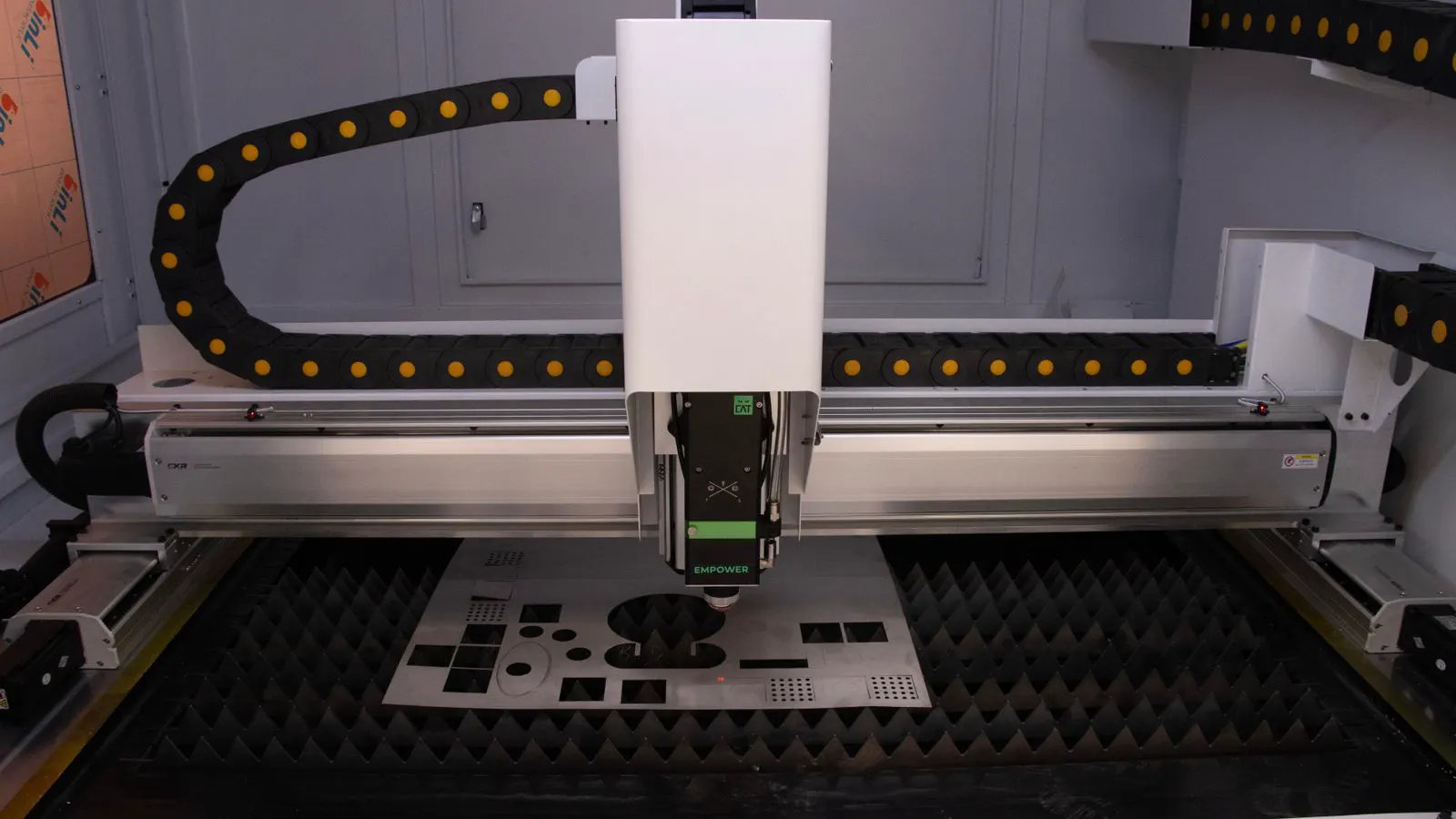
The spindle is the heart of any CNC router. For high-volume work, match the spindle power to your heaviest and most common material. A standard 18 kW spindle handles most plywood and MDF cutting tasks. Denser hardwoods and thicker panels may require more power or a higher RPM range. Power is measured in kilowatts, but torque is what actually drives the tool through the material. A spindle with high RPM but low torque will stall when it hits a dense knot in hardwood. You need a balance of both. Check the manufacturer’s torque curve at different RPMs.
Check the speed range. A spindle that runs at 24,000 RPM may struggle with thick hardwoods. A spindle that runs at 30,000 RPM or more offers better chip evacuation and cleaner edges. At higher speeds, the tool removes material in smaller increments, which reduces the stress on the tool and the machine. However, high RPM also generates more heat. Ensure the spindle has adequate cooling, usually through water cooling or forced air. Look for spindles with low vibration and good bearing quality. These factors affect tool life and surface finish. A spindle with poor bearing alignment will introduce vibration that transfers to the workpiece, causing a rough surface that requires additional sanding.
Consider the spindle type. Direct-drive spindles reduce vibration and noise compared to belt-driven models. They also simplify maintenance since there is no belt to replace. However, they can cost more upfront. For a production environment that runs 12 hours a day, the lower maintenance frequency often justifies the initial difference. Direct-drive spindles also maintain precision over time because there is no belt stretch to compensate for. Belt-driven spindles may require periodic adjustment to maintain tension, which can interrupt production if not managed carefully.
Assess Tool Changer and Tool Management
Tool changeovers are a hidden time cost in high-volume production. A two-position tool changer handles basic work but adds manual intervention for every job change. An automatic tool changer with 10 or more positions reduces setup time significantly. In a high-mix environment, where you switch between different bit sizes for drilling, routing, and profiling, every second spent manually swapping tools adds up. A ten-position changer can hold your most frequently used bits, allowing the machine to switch tools automatically without stopping the cut.
Evaluate the tool changer mechanism. Hydraulically loaded tools provide consistent clamping force and quick change times. Pneumatic systems are cheaper but may require more frequent adjustment. For a busy shop floor, the seconds saved per changeover add up quickly over a full shift. Hydraulic systems use a pump to force the tool into the spindle, ensuring a tight fit that minimizes runout. Pneumatic systems use air pressure to push the tool in, which can be less precise and may allow slight play in the tool holder. This play increases vibration and reduces accuracy.
Plan your tool library. Keep only the tools you use frequently in the changer. Store specialty bits in a nearby cabinet. A cluttered tool library leads to wrong-tool errors and slower setups. Label every tool and maintain a simple log of which bit goes in which position. If an operator picks up the wrong bit, the machine may cut a void where a groove should be, or fail to remove material entirely. This error can ruin a panel and require a restart. A simple color-coding system or a digital log helps prevent these mistakes.
Prioritize Structural Rigidity and Frame Design
A CNC router that flexes will produce parts with inconsistent dimensions. In high-volume work, small errors multiply across hundreds of pieces. Look for a machine with a rigid gantry and a solid table. A welded steel frame with gusseted joints resists deflection better than a tubular design. Tubular frames are common in entry-level machines but can twist under heavy cutting loads. Gusseted joints add extra steel plates at the corners to prevent bending. This rigidity is critical when cutting thick panels, as the weight of the tool and the force of the cut apply significant pressure to the frame.
Check the table surface. A cast iron table provides a stable, flat reference. A welded steel table is lighter and cheaper but may show wear over time. For sustained production, a cast iron table or a well-maintained steel table with a leveling system is preferable. Cast iron is dense and resistant to deformation, but it is heavy. A welded steel table is easier to move but may develop dents or warping if not handled carefully. If the table is not flat, the machine cannot hold precise Z-axis coordinates, leading to parts that are slightly taller or shorter than required.
Examine the linear guide quality. High-precision linear rails handle heavy cutting loads without excessive play. Check the bearing seals and lubrication points. A machine with easy access to these components will maintain accuracy longer with less downtime. Linear guides are the tracks that allow the spindle and table to move. If the bearings are worn or the seals are damaged, the guides will develop play, causing the machine to miss its targets. Regular lubrication with the correct grease is essential to prevent premature wear.
Run a test cut on your thickest material. Watch for chatter, vibration, or deflection. If the edges show waviness, the machine frame or spindle may not be stiff enough for your workload. Chatter is a high-frequency vibration that occurs when the tool loses contact with the material or when the machine structure is too flexible. It leaves a rough, scalloped pattern on the cut surface. This is a clear sign that the machine cannot handle the stress of your production workload.
Verify Software Compatibility and Automation Integration
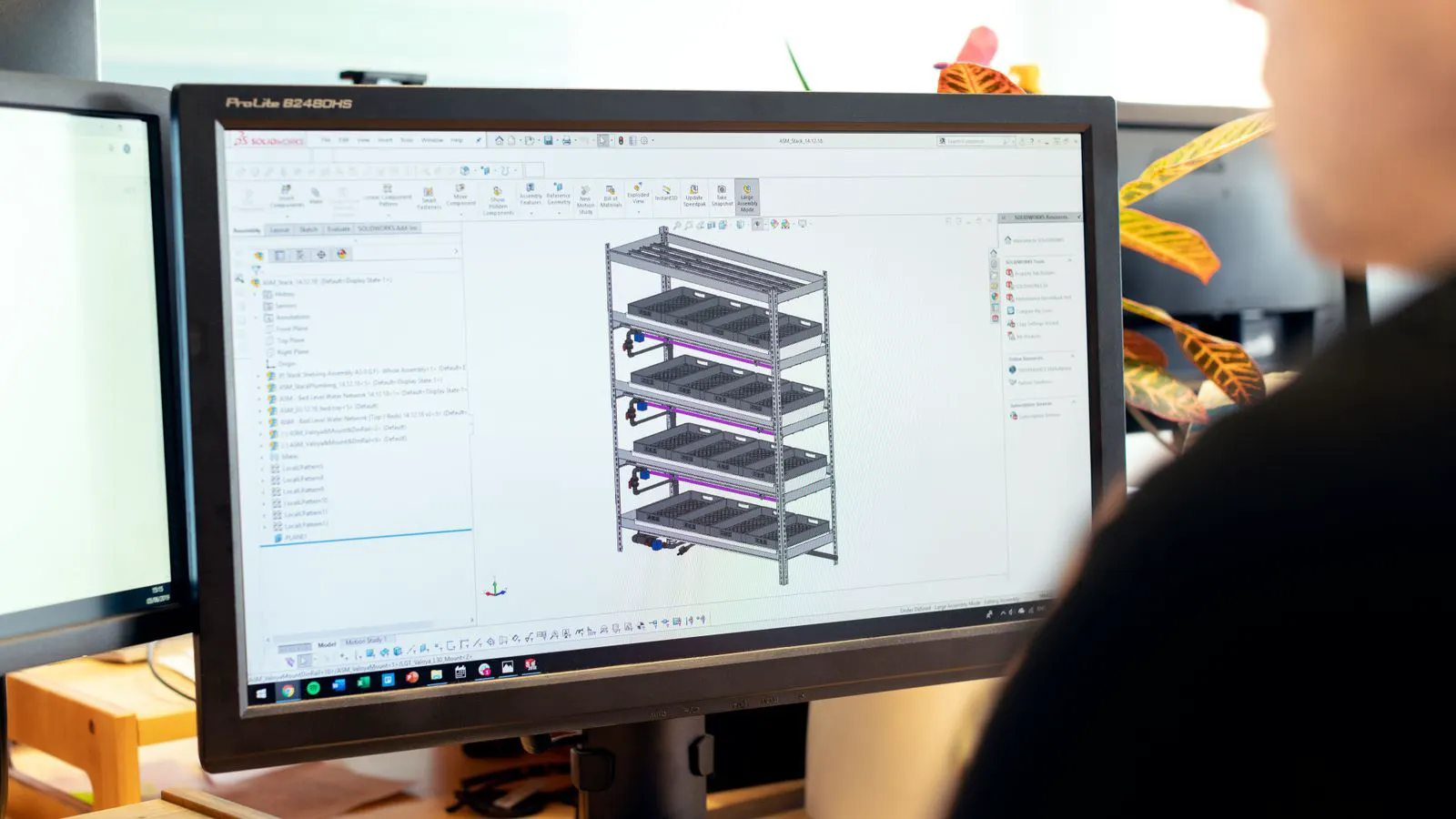
The CNC router is only as effective as the software that drives it. Verify that your CAD/CAM package can export files directly to the machine controller. Some machines require a specific file format or post processor. Confirm this compatibility before purchase. If your CAM software does not support the machine’s controller, you will need to purchase additional software or hire an engineer to create a custom post processor. This adds cost and complexity. Direct export ensures that tool paths, speeds, and feeds are translated accurately without manual intervention.
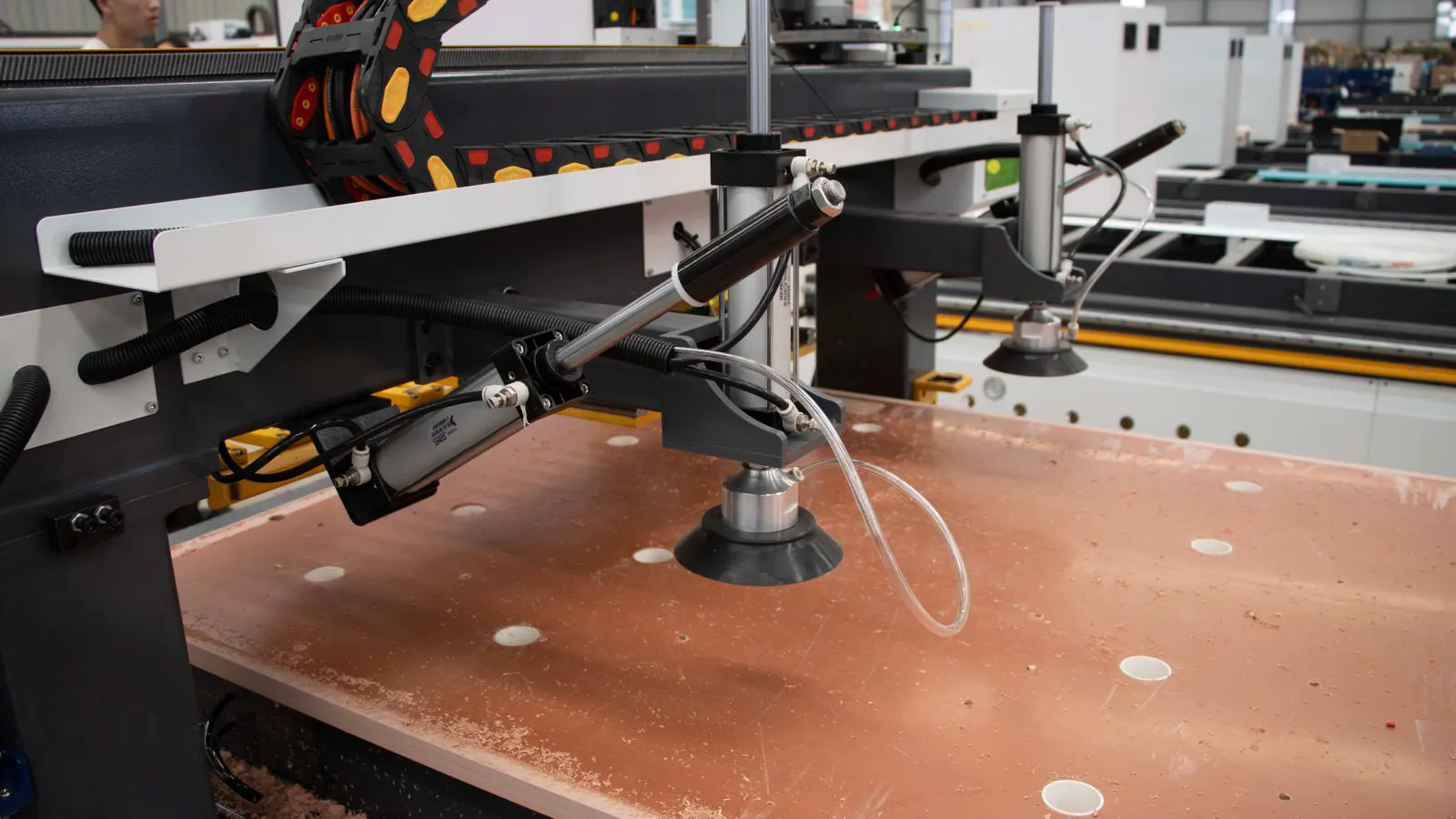
For high-volume lines, consider integration with material handling systems. An automatic infeed system loads panels into the machine and feeds them across the table. An outfeed conveyor removes finished parts and moves them to the next stage. This eliminates manual handling and reduces cycle times. In a high-volume environment, where panels are loaded and unloaded multiple times per hour, automation reduces the physical strain on operators and increases throughput. It also allows the machine to run continuously without waiting for a human to position the next panel.
Check the machine controller interface. A touchscreen controller with job queue management allows operators to schedule multiple runs without reprogramming. Look for features that save tool offsets, workpiece coordinates, and cut parameters for repeat jobs. If you produce the same part every day, the machine should remember the setup from the previous day. This eliminates the need to re-enter tool lengths, zero points, and feed rates. It also reduces the risk of human error during setup.
Plan for data security. Production software stores tool paths and material settings. Ensure the system can back up this data regularly. A lost job file can stop a production line until it is recreated. Use an automated backup system that runs after every shift or after every job completion. Store backups on a separate drive or a secure server. This protects your intellectual property and ensures continuity of production.
Plan Material Handling and Shop Layout
A CNC router does not work in isolation. The space around it determines how fast you can feed and remove material. Measure the area needed for the machine, the infeed conveyor, the outfeed conveyor, and operator clearance. A typical production router requires several square meters of surrounding space. If the machine is too close to a wall, operators cannot safely load panels or adjust the infeed system. Plan for at least 1.5 meters of clearance on the sides and rear of the machine for maintenance and operation.
Position the machine near your material storage. If panels are stored far from the router, workers spend time moving heavy boards instead of supervising the cut. A short travel distance keeps the line moving. Use a forklift or a trolley to move panels from the storage area to the infeed conveyor. The closer the storage is to the machine, the fewer steps are required in the production cycle. This reduces cycle time and allows the machine to operate at a higher utilization rate.
Design the outfeed path carefully. Finished parts may need to go to drilling, edge banding, or inspection. If the conveyor ends at a wall, workers must lift parts off the machine. A clear path to the next process reduces manual handling and prevents pile-ups. Plan the layout so that finished parts flow directly to the next machine. If the outfeed conveyor is too short, operators will have to carry parts a long distance, which increases the risk of damage and slows down the line.
Consider dust extraction. High-volume cutting generates large amounts of dust. A properly sized extraction system keeps the air clear and protects the operator. Check the machine’s dust ports and connect them to your shop extraction network. Dust accumulation can clog the linear guides and damage the spindle bearings. It also creates a fire hazard and reduces visibility. Ensure the extraction system has sufficient capacity to handle the airflow required by the machine. Test the suction at the dust ports to confirm that dust is being removed effectively.
Criteria Table for High-Volume CNC Router Selection
| Criterion | What to look for | Why it matters |
|---|---|---|
| Spindle power | 18 kW or higher, direct-drive preferred | Handles thicker materials and maintains speed under load |
| Tool changer | 10+ positions, hydraulic loading | Reduces setup time for frequent job changes |
| Frame rigidity | Welded steel or cast iron, gusseted joints | Prevents deflection and maintains dimensional accuracy |
| Table surface | Cast iron or levelable steel | Provides a stable reference for precise cuts |
| Software compatibility | Direct export from your CAM system | Eliminates file conversion errors and rework |
| Automation | Infeed and outfeed conveyors | Reduces manual handling and increases throughput |
Closing Decision Checklist
Before signing a purchase agreement, walk through this checklist. Bring your sample parts and your material list to the showroom or factory floor.
- Confirm the spindle power matches your thickest and densest material.
- Verify the tool changer has enough positions for your most common tool set.
- Test cut a full-size panel from your actual production material.
- Check the table flatness with a precision straight edge.
- Confirm the software can export your current CAD/CAM files without issues.
- Measure the shop floor space to fit the machine and conveyors.
- Review the maintenance schedule and ask about bearing replacement intervals.
- Request a reference from a shop of similar size and material profile.
- Confirm the delivery timeline and any required site preparation.
- Review the warranty terms for spindles, linear guides, and controllers.
A production router is a long-term asset. The right choice keeps your shop running at full capacity for years. The wrong choice creates bottlenecks and erodes profit margins. Take the evaluation seriously. The machine will define your output for a decade.
Frequently asked questions
How much spindle power is needed for high-volume production?
Most production routers use 18 kW spindles for plywood and MDF. Denser hardwoods and thicker panels may require more power or higher RPM to maintain clean cuts.
Is an automatic tool changer worth the cost?
Yes, if you change tools frequently. A 10-position automatic tool changer saves setup time and reduces operator intervention. For long runs of identical parts, the savings are smaller.
What table material lasts longest in a busy shop?
A cast iron table resists wear and maintains flatness well. A steel table is lighter but may show wear faster. Either works if maintained and leveled regularly.
How should I plan the space around a CNC router?
Allow room for infeed and outfeed conveyors, material storage, and operator clearance. A typical machine needs several square meters of surrounding space to run efficiently.
What software do I need to run a production router?
You need CAM software that can export tool paths to the machine controller. Verify compatibility with your current CAD/CAM package before buying the machine.