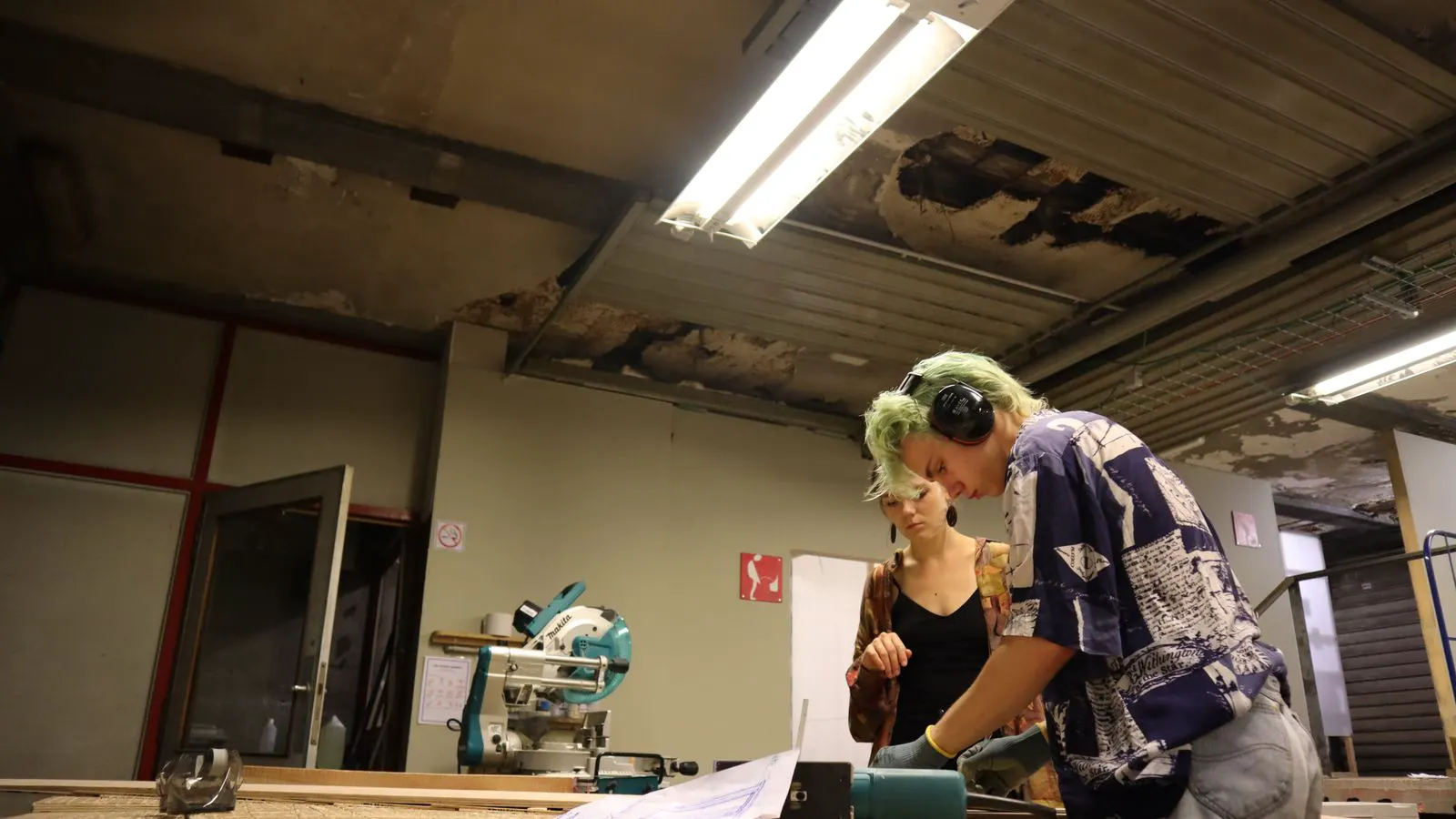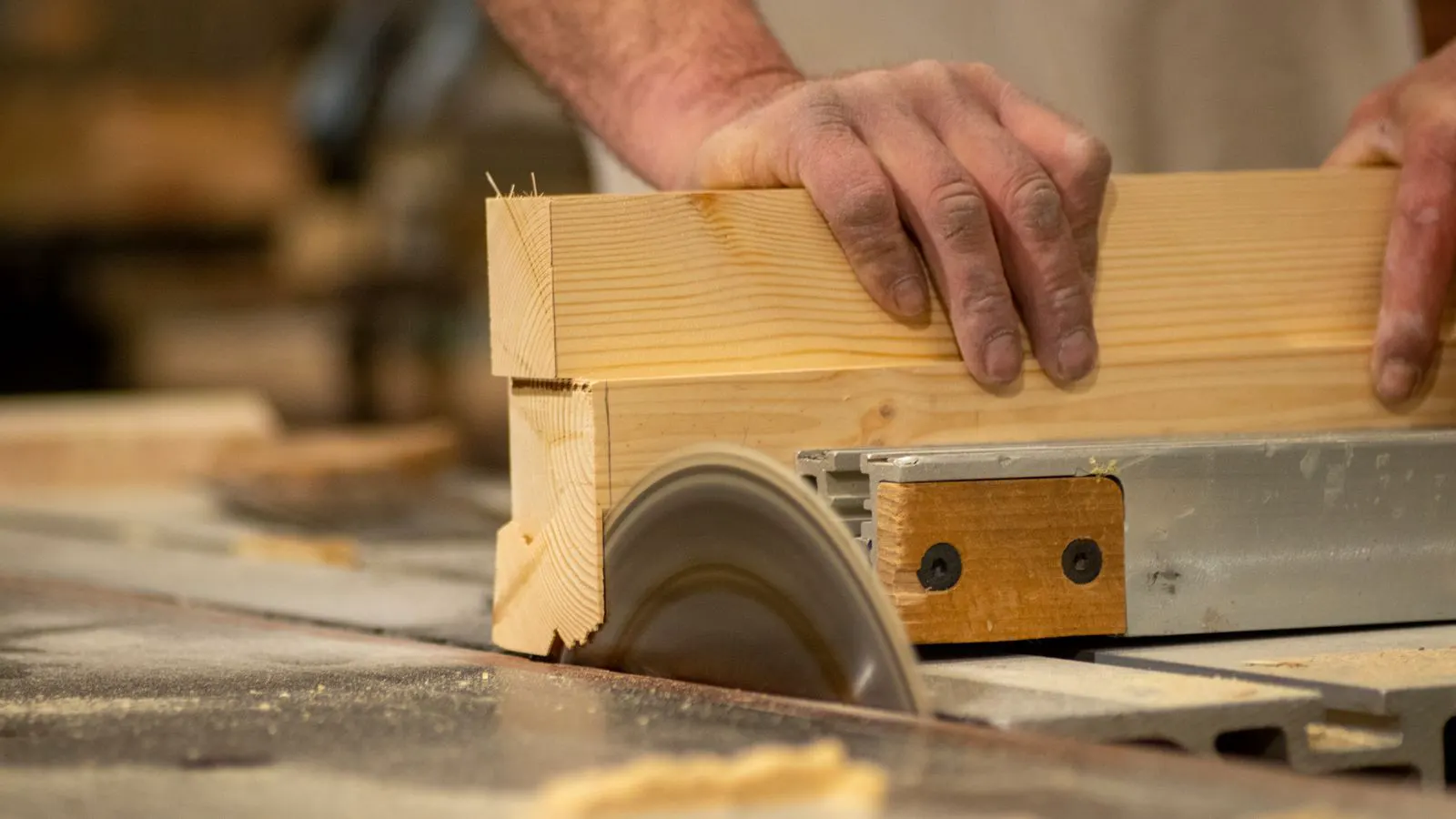
Panel saws have lower upfront costs but higher labor and material waste, while CNC routers cost more to buy yet reduce labor and scrap. The payback period depends on production volume, part complexity, and shop labor rates.
- Panel saws cost less to buy but raise hourly labor and material waste costs.
- CNC routers cost more to buy but lower labor, scrap, and setup time.
- The payback period shortens when part complexity and production volume are high.
- Total cost of ownership includes maintenance, power, tooling, and operator skills.
What drives the cost difference between a panel saw and a CNC router
A panel saw is a dedicated cutting machine. It takes a full sheet and cuts it into rectangular pieces with a straight blade. A CNC router is a multi-axis machine that cuts, drills, and mills parts from a programmed file. The difference in purchase price is obvious, but the larger financial difference sits in the shop floor.
A panel saw needs an operator to set up each cut, load the sheet, and check the dimensions. A CNC router needs a machine operator to load the file, secure the sheet, and run the job, but the machine handles the cuts.
The shop that runs simple rectangles all day will see the panel saw as a low-cost tool. The shop that runs cabinets, frames, and complex profiles will see the CNC router as a productivity tool.
How to structure the total cost of ownership
Total cost of ownership starts with the machine price, but that number is only part of the story. The real cost includes installation, power, tooling, consumables, maintenance, and the labor that runs the machine.
A panel saw needs a blade, a dust collection connection, and a flat, stable floor. It also needs a trained operator who can read a cutting list and keep the sheet registered to the fence.
A CNC router needs a larger footprint, a dedicated power supply, and a computer connection. It needs tooling for different materials, a vacuum or dust collection system, and software that can process the job files.
The labor side is where the two machines diverge most. A panel saw operator spends time on setup, cutting, and inspection. A CNC router operator spends time on file preparation, loading, and unloading, but not on making each cut.
How labor rates change the payback period
The payback period depends on how much an operator costs per hour. If the operator rate is low, the panel saw stays competitive for longer. If the operator rate is high, the CNC router recovers its higher purchase price faster.
A shop with two full-time operators paying a standard wage will calculate the savings differently than a shop with one machine operator and a part-time helper. The CNC router may save time on the operator, but it may also require a second skill set, such as CAD/CAM file preparation.
The shop should track time per job for each machine. Record the minutes needed to set up the job, cut the parts, and inspect the output. Then compare the labor hours to the machine price difference.
How material waste changes the ownership cost
A panel saw cuts straight lines. It is efficient for rectangles and large panels, but it creates offcuts that are hard to reuse. A CNC router can nest small parts on a sheet more tightly. It can also cut multiple small components in one pass.
The material waste difference matters most when the shop buys full sheets and sells finished products. If the shop buys small boards from a supplier, the waste difference is smaller. If the shop buys 24 inch and 48 inch sheets and cuts them into cabinet parts, the CNC router can reduce scrap.
The shop should measure the usable square footage from each sheet. A panel saw might leave a large offcut in one corner. A CNC router might fill that corner with small parts. The difference in usable material becomes a direct cost saving.
How maintenance and power costs compare
A panel saw has a blade, a motor, and mechanical guides. Maintenance is straightforward. The shop checks blade alignment, cleans the table, and replaces the blade when it loses sharpness. Power use is high during cutting but low during setup.
A CNC router has motors, spindles, belts, ballscrews, and electronics. Maintenance includes checking tool holders, cleaning the table, lubricating moving parts, and updating software. Power use is steady during a run, and the spindle can run for a long time without the operator touching the machine.
The shop should budget for annual service. A panel saw may need a blade change and a check of the fence. A CNC router may need a spindle bearing check, a calibration, and a software update. The CNC router also needs a stable power source, which can cost more to install.
How production volume changes the decision
A low-volume shop that runs a few projects per month may not see a fast payback on a CNC router. The machine sits idle for long periods, but the panel saw also sits idle. The difference is that the panel saw costs less to buy, so the shop takes on less capital risk.
A high-volume shop that runs multiple jobs per day will see the CNC router save time on every job. The machine can run while the operator handles another task. The payback period shortens as the number of jobs per week increases.
The shop should compare the monthly output of each machine. If the panel saw produces 200 parts per month and the CNC router produces 400 parts per month, the CNC router may recover its cost through higher throughput alone.
How part complexity changes the decision
A panel saw is best for simple, straight cuts. If the shop only makes rectangles and squares, the CNC router adds little value in terms of speed. The operator still has to prepare the cutting list, and the CNC router still needs file preparation.
A CNC router is best when the part has curves, holes, grooves, or small details. The operator does not have to make a separate cut for each hole or curve. The machine follows the file. The more complex the part, the more value the CNC router adds.
The shop should look at the last five jobs. If each job required three or more different cut types, the CNC router is a better fit. If each job required only straight cuts, the panel saw is a better fit.
How to build a simple payback period model
The shop should build a simple model using its own numbers.
- List the purchase price of the panel saw and the CNC router.
- Add installation, power, and initial setup costs.
- Estimate the monthly labor cost for each machine.
- Estimate the monthly material waste cost for each machine.
- Estimate the monthly maintenance and tooling cost for each machine.
- Subtract the monthly cost of the panel saw from the monthly cost of the CNC router.
- Divide the one-time cost difference by the monthly savings.
The result is the payback period in months. The shop should add a buffer for unexpected costs. A shop that expects to run the CNC router at full capacity will see a shorter payback period than a shop that uses it for a few jobs per week.
When to pick each option
The table below compares the two machines.
| Option | Best for | Limitations |
|---|---|---|
| Panel saw | Simple rectangular cuts, low to medium volume, limited capital | Higher labor per job, more material waste on complex parts, limited to straight cuts |
| CNC router | Complex parts, high volume, small batch production, reduced labor | Higher purchase price, needs file preparation, higher maintenance, needs power and space |
| Hybrid setup | Shops that need both simple straight cuts and complex details | Higher total cost, more floor space, more operators or skills required |
| Panel saw plus manual drilling | Shops with limited complexity and low labor rates | Slower on parts with holes or grooves, higher labor, more setup time |
| CNC router plus panel saw | Shops that want speed on complex parts and speed on large straight cuts | Higher capital, more maintenance, more space, more training |
A shop that only cuts large rectangular panels for storage or framing should choose the panel saw. The CNC router will sit idle for much of the time. The panel saw will do the job with less capital and less maintenance.
A shop that builds cabinets, doors, or framed parts should choose the CNC router. The machine cuts the parts, drills the holes, and mills the profiles in one run. The operator spends less time on each cut and can focus on quality and setup.
A shop that runs both types of work may need both machines. The panel saw can handle the large straight cuts, and the CNC router can handle the small, complex parts. This setup requires more floor space and more capital, but it covers the full range of jobs.
How to reduce the payback period
The shop can reduce the payback period by increasing the utilization of the CNC router. If the machine runs six days a week instead of three, the payback period halves. The shop should schedule jobs to keep the machine busy.
The shop can also reduce the payback period by improving file preparation. If the operator spends two hours preparing a file, that time is not saved by the CNC router. A good CAD/CAM workflow reduces setup time and increases throughput.
The shop can also reduce the payback period by buying the panel saw used or leasing it. A lower purchase price for the panel saw increases the savings from the CNC router. The shop should compare the total cost of ownership over three or five years, not just the first year.
How to verify the numbers
The shop should track the first three months of production after buying either machine. Record the number of jobs, the number of parts, the labor hours, and the material waste. Then compare the actual numbers to the model.
The shop should also talk to other operators. Ask how long each job takes. Ask how much waste comes off the sheet. Ask what maintenance looks like in practice. The numbers from the floor are more reliable than the numbers from the spec sheet.
The shop should not buy a CNC router because it is faster. It should buy it because the payback period fits the business model. A faster machine that sits idle for half the year does not pay for itself.
How to make the final decision
The final decision comes down to the shop’s work mix. If the work is simple and the labor rate is low, the panel saw is the better choice. If the work is complex and the labor rate is high, the CNC router is the better choice.
The shop should calculate the payback period using its own numbers. It should include labor, material, maintenance, and power. It should not include only the purchase price. The machine that has the lower total cost of ownership over the expected life of the equipment is the right choice.
The shop should also consider the operator. If the current operator can run a panel saw but cannot run a CNC router, the shop needs to budget for training. If the current operator can run both, the shop can switch machines without adding labor cost.
The decision is not about which machine is better. It is about which machine fits the shop’s work, its labor, and its capital. The payback period is the number that tells the shop when the equipment ROI begins.
Frequently asked questions
What is the payback period for a CNC router compared to a panel saw?
The payback period is the time it takes for the CNC router to save enough money to cover its higher purchase price. It is shorter when labor is expensive, waste is high, and the machine runs at high volume.
How do I calculate the equipment ROI for a panel saw or CNC router?
Divide the total annual savings from labor, material, and throughput by the total cost of ownership. A lower ratio means a faster return on the equipment.
When is a panel saw a better financial choice?
A panel saw is a better financial choice when the shop runs simple rectangular cuts, has low labor rates, and needs to keep capital costs low.
When is a CNC router a better financial choice?
A CNC router is a better financial choice when the shop runs complex parts, has high labor rates, and wants to reduce waste and setup time.
Does the total cost of ownership include software?
Yes. Software, file preparation, and updates are part of the total cost of ownership. The shop should budget for the time and tools needed to run the machine efficiently.