Panel saws rely on fixed blade guards and riving knives to prevent kickback, while CNC routers use enclosures and automated stops. Procurement managers should select based on material size, production volume, and operator exposure.
- Panel saw safety features prioritize preventing kickback from large panels and manual operator control.
- CNC router guards focus on full enclosure and automated safety stops to limit human exposure to high-speed bits.
- Fixed guard systems suit high-volume panel processing, while enclosed CNC setups suit complex, low-volume work.
- The right choice depends on material size, production volume, and operator access during operation.
Which machine creates a larger exposure risk?
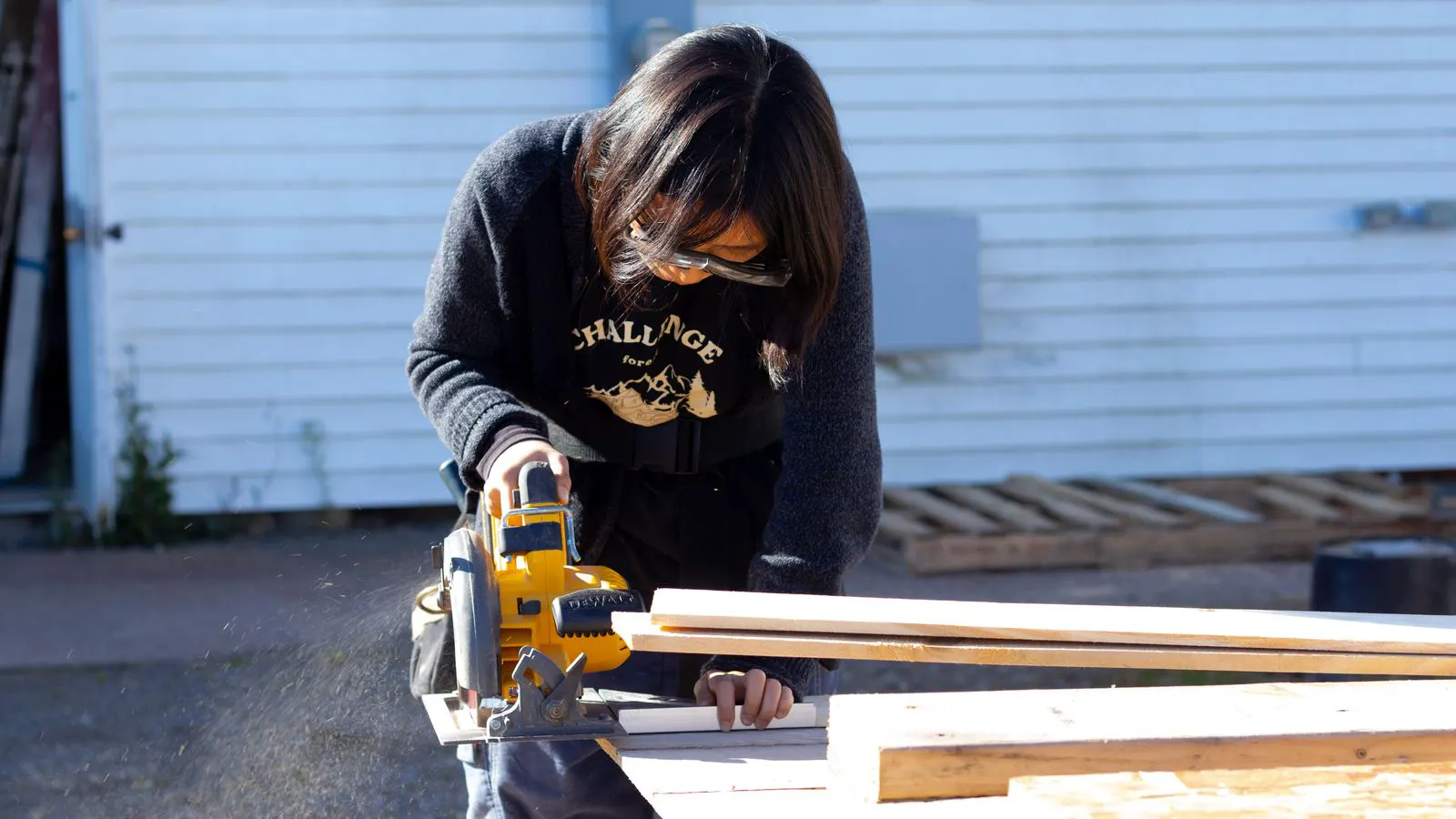
Panel saws handle full sheet goods, often one to four meters in length. The operator stands beside the moving blade and guides the panel through the cut. A CNC router works inside a closed frame. The workpiece sits on a bed while the tool head moves above it.
The risk profile differs because of that layout. A panel saw presents a direct, line-of-sight danger to the operator. The blade is exposed for the duration of the cut, and the operator’s hands are usually within arm’s length of the cutting edge. A router presents a contained danger. The operator is usually outside the enclosure while the machine runs. The bit is hidden behind steel or acrylic panels, and the workpiece is secured by vacuum, clamps, or a bed.
For procurement, that distinction drives the first question. How much physical space do you need to build a safe zone? A panel saw requires a larger clear area. You need room for the sheet to slide, room for the operator to stand, and a defined exclusion zone in front of the blade. A router can sit closer to other equipment if the enclosure is intact. The footprint is defined by the bed size and the door swing, not by the operator’s stance.
There is also the issue of noise and debris. A panel saw throws chips and dust outward from the cut line. The operator’s face is often in that path. A router captures the debris inside the frame. The extraction port pulls dust through the enclosure, so the shop floor stays cleaner and the operator’s airway is less exposed to particulates.
What are the standard panel saw safety features?
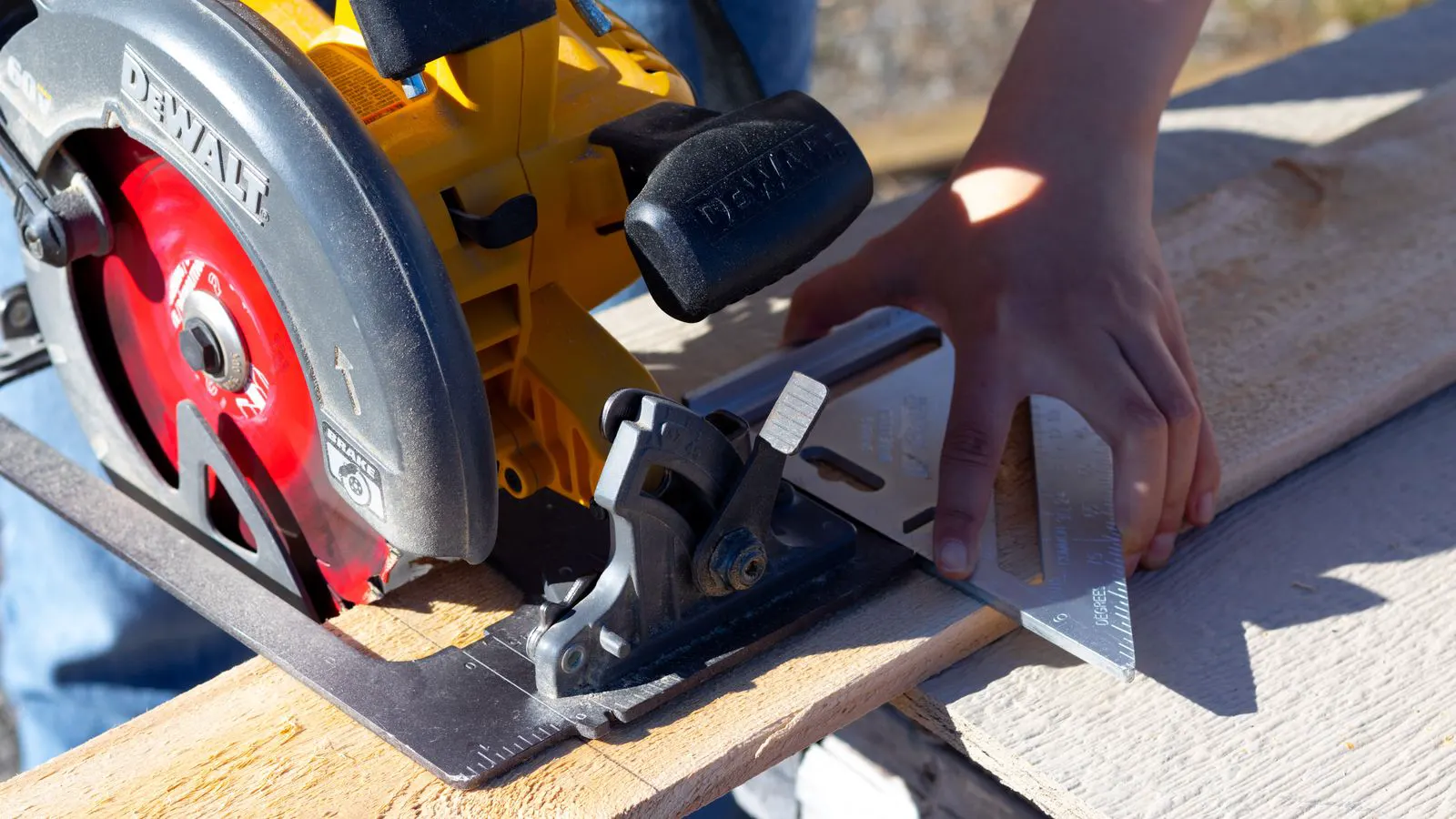
Most industrial panel saws include a fixed upper guard, a lower blade guard, and a riving knife. The upper guard sits above the arbor and protects the operator from the exposed portion of the blade. It is usually a flat metal plate or a curved deflector that covers the top of the blade while leaving enough clearance for the panel to pass. The lower guard retracts as the blade exits the workpiece. It moves out of the way as the panel is pushed through, then springs back up to cover the blade when the cut is finished.
The riving knife is the most critical part. It sits directly behind the blade and holds the two cut edges apart as the panel passes through. It is a thin, hardened steel strip that tracks the kerf. Without it, the cut edges can pinch together, twist the panel, and force the blade toward the operator. This is the mechanism behind kickback. The panel pinches, the blade catches the wood, and the reactive force snaps the panel back into the blade area. The riving knife prevents that pinch by maintaining the gap between the two cut faces.
Other common features include a blade brake, an emergency stop, and a power-off switch. The brake stops the blade quickly after the saw has stopped moving or after the operator releases the control. It uses a mechanical or electrical system to engage a friction brake or an electromagnetic brake. This reduces the time the blade spins after a cut, which lowers the risk of an operator being injured if they are still near the machine. Some saws also have a blade cover that locks over the blade when the machine is not in use. This cover is often hinged and can be propped open for the cut, then latched shut for storage or maintenance.
These features reduce the chance of a kickback event. They do not eliminate the need for operator discipline. The operator still controls the feed rate and must keep hands clear of the blade area. If the operator pushes the panel too fast, the blade can catch the grain. If the operator’s hand is too close to the blade line, the riving knife cannot save them from the exposed portion. The guards are a barrier, not a substitute for technique.
What are the standard CNC router guards?
A CNC router guard is usually the enclosure itself. The frame surrounds the bed and the tool head. The material moves on a bed or is held in a vacuum table. The tool head moves above the workpiece. The enclosure is typically made of steel or aluminum, with a clear window or a transparent front panel for monitoring. It is designed to be rigid enough to contain the workpiece and flexible enough to allow service access.
The enclosure keeps chips, dust, and the rotating bit inside the frame. Some routers add a chip collection tray, a dust extraction port, and a clear window for monitoring. Others use a transparent front panel so the operator can watch the cut without opening the frame. The window is often made of polycarbonate or acrylic, which is strong enough to stop flying chips but clear enough for the operator to see the tool position.
Safety stops are the second major feature. A router can halt the tool head if the enclosure door opens, if a fault is detected, or if the operator presses the emergency stop. The emergency stop is a large, red mushroom button that cuts power to the spindle and halts the motion. It is usually mounted outside the enclosure so the operator can reach it without entering the danger zone. Many machines also have a tool retraction function that lifts the bit to a safe height before the door opens. This prevents the bit from striking the workpiece or the door frame when the operator opens the enclosure.
The risk with a CNC router is not kickback. The risk is contact with the bit or the moving workpiece. The bit rotates at high speeds and can cause severe injury if it contacts skin. The workpiece can shift if the vacuum fails or if the clamps are loose. The enclosure and the automated stop are designed to remove the operator from that contact zone. The operator is outside the frame, and the machine does the moving.
How do the two machines compare on guarding?
The table below summarizes the main differences.
| Option | Best for | Limitations |
|---|---|---|
| Panel saw with fixed guards | High-volume panel cuts, full sheet processing | Requires larger clear area, relies on operator control |
| CNC router with full enclosure | Complex cuts, low volume, mixed materials | Higher setup time, limited to bed size |
| Panel saw with blade brake and cover | Shops that need quick changeovers between material types | Brake does not protect operator during setup |
| CNC router with door interlock | Workpieces that require precise, repeatable cuts | Interlock delay can slow short jobs |
| Enclosed panel saw with partial cover | Small panels that do not fit a full router bed | Less protection than a full CNC enclosure |
The choice is not about which machine is safer in an abstract sense. It is about which machine fits the work and the shop. A panel saw is the right tool for cutting long sheets. A router is the right tool for routing, profiling, and complex shapes. If you are cutting a 2400 mm sheet of plywood into cabinet carcasses, the panel saw is the efficient choice. If you are cutting a 600 mm piece of MDF into a decorative panel with curved edges, the router is the efficient choice.
When should you choose a panel saw?
Choose a panel saw when your primary job is cutting full sheets into panels. If you run a cabinet shop, a flooring operation, or a large furniture line, the panel saw is the workhorse. It handles the high volume, the long cuts, and the straight lines. The operator can make a cut in seconds, and the blade is designed to handle the thickness of full sheet goods.
The safety design here is built around the operator. The guards are positioned to protect the hands and the body from the blade. The riving knife is the main defense against kickback. The operator must be trained to use the push stick and to keep the panel supported. The push stick is a long, flat piece of wood or plastic that keeps the hands away from the blade while guiding the panel. The panel support is a set of rollers or a flat table that keeps the sheet stable as it moves through the cut. If the panel is not supported, it can deflect, catch the blade, and cause a kickback.
The limitation is access. The operator must stand close to the blade. If the guard fails or if the operator ignores the safe zone, the risk is high. That is why the pre-startup checks and the operator training matter more on a panel saw than on a router. The operator is the primary control mechanism. If the operator is tired, distracted, or untrained, the guards are not enough.
When should you choose a CNC router?
Choose a CNC router when the work is complex or when the operator exposure needs to be minimized. If you are doing intricate routing, CNC drilling, or mixed-material work, the router is the right tool. The enclosure keeps the operator out of the danger zone. The bit is hidden, and the workpiece is secured.
The safety design here is built around the machine. The door interlock, the emergency stop, and the tool retraction are the main defenses. The operator is usually at a distance from the bit. The machine does the moving, not the person. This reduces the risk of a contact injury, which is the main danger with a router.
The limitation is setup. Loading and unloading a workpiece takes time. The enclosure must be open for access. If the interlock is disabled for a shortcut, the protection is gone. The machine is only as safe as the discipline around the door. An operator who bypasses the interlock to save ten seconds is creating a direct contact risk. The router is safe when the door is closed and the interlock is active. It is dangerous when the door is open and the operator is inside the frame.
How do you verify the safety features before buying?
Do not rely on the brochure. Ask the supplier for the guard specifications. For a panel saw, ask for the guard material, the riving knife type, and the brake rating. The guard material should be steel or hard plastic that can withstand the impact of a kickback. The riving knife should be hardened steel and aligned with the blade. The brake rating should be sufficient to stop the blade within a short time after the cut.
For a router, ask for the enclosure material, the interlock type, and the emergency stop response time. The enclosure material should be rigid enough to contain the workpiece. The interlock type should be a physical switch that cuts power when the door opens, not just a sensor that sends a signal. The emergency stop response time should be immediate, with no delay.
Run a pre-startup check before the first cut. Verify that the guards are installed and locked. Verify that the riving knife is aligned with the blade. Verify that the emergency stop works and that the tool retracts when the door opens. Test the interlock on the router by opening the door while the machine is running. The tool should stop and retract. If it does not, do not use the machine.
Train the operator on the specific machine. A panel saw operator and a router operator have different habits. The panel saw operator must manage feed and support. The router operator must manage loading and monitoring. Both must know the emergency stop and the shutdown sequence. The shutdown sequence is critical. On a panel saw, you must turn off the power and wait for the brake to stop the blade. On a router, you must stop the spindle and retract the tool before opening the door.
The final decision is a trade-off. A panel saw is faster for straight cuts and handles larger sheets. A router is safer for complex work and limits operator exposure. Match the machine to the job, then verify the guards and the training before the first production run.
Frequently asked questions
What is the main difference between panel saw safety features and CNC router guards?
Panel saws use fixed guards and a riving knife to protect the operator from kickback. CNC routers use a full enclosure and automated stops to keep the operator out of the danger zone.
Does a CNC router need a riving knife?
No. A riving knife is a panel saw feature. A CNC router uses the enclosure and the tool retraction to prevent contact with the bit.
Can a panel saw be enclosed to improve safety?
Some panel saws have a partial cover or a sliding guard. A full enclosure is not standard and is not the same as a CNC router frame.
What is the main risk with a CNC router?
The main risk is contact with the bit or the moving workpiece. The enclosure and the interlock are designed to prevent that contact.
How do you check if the safety features are working?
Run a pre-startup check. Test the emergency stop, the interlock, and the guard alignment. Verify that the blade brake or tool retraction works before the first cut.